


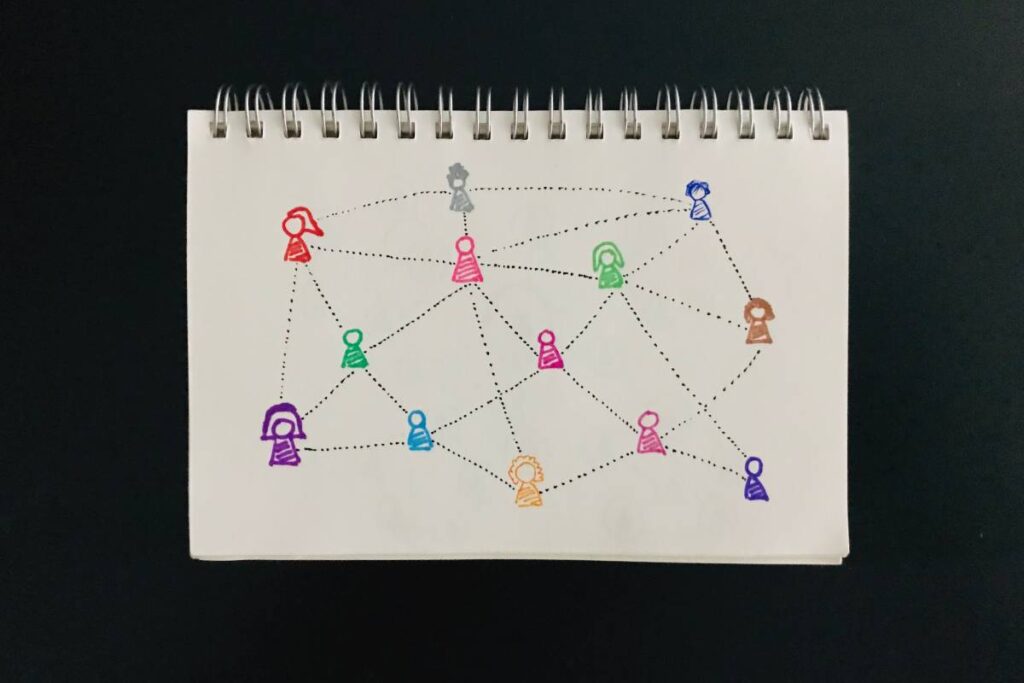
You use data networks every single minute of your day. Whether you are checking email, streaming a 4K movie, or processing a credit card payment at your business, you are relying on an invisible infrastructure to keep you connected. Yet, for most people, how this actually works remains a total mystery.
It’s easy to ignore how the “magic” happens—until it stops working. Suddenly, the printer won’t connect, the server is down, or your video call freezes. If you don’t understand the basics of how your devices talk to each other, you are left helpless, relying on expensive IT support for even the simplest fixes. The jargon alone—LAN, WAN, TCP/IP, Nodes—is enough to make anyone’s eyes glaze over.
It doesn’t have to be complicated. In this guide, we are going to strip away the complex engineering speak and explain exactly what a data network is, how it functions, and why it is the backbone of modern business. By the end of this article, you’ll understand the digital world better than 90% of your peers.
Table of Contents
- What Is a Data Network?
- The Core Components: Anatomy of a Network
- How Data Networks Actually Work
- Types of Networks You Need to Know
- Why Data Networks Are Critical for Business
- Conclusion
- FAQs
What Is a Data Network?
A data network is a system of interconnected computers and peripheral devices that exchange digital information. It allows distinct devices—known as nodes—to share resources like files, printers, and internet connections. These networks rely on a set of common communication rules, called protocols, to ensure that data sent from one point arrives accurately at its destination.
The Core Components: Anatomy of a Network
To understand the whole, we need to look at the parts. Think of a data network like a city’s road system. You have the cars (data), the roads (cables), and the traffic lights (protocols).
Here are the three pillars of any network:
1. Nodes (The Destinations)
In networking terms, a node is simply any device that can send, receive, or create information.
- Computers & Laptops
- Servers (The centralized “brains” storing data)
- Peripherals (Printers, Scanners, IoT smart devices)
2. Transmission Media (The Roads)
This is the physical or wireless path that the data travels along.
- Wired: Fiber optic cables (light-speed data), Ethernet cables (copper wires).
- Wireless: Wi-Fi, Bluetooth, and Satellite links.
3. Network Devices (The Traffic Cops)
You can’t just plug two computers together and hope for the best. You need hardware to direct the traffic.
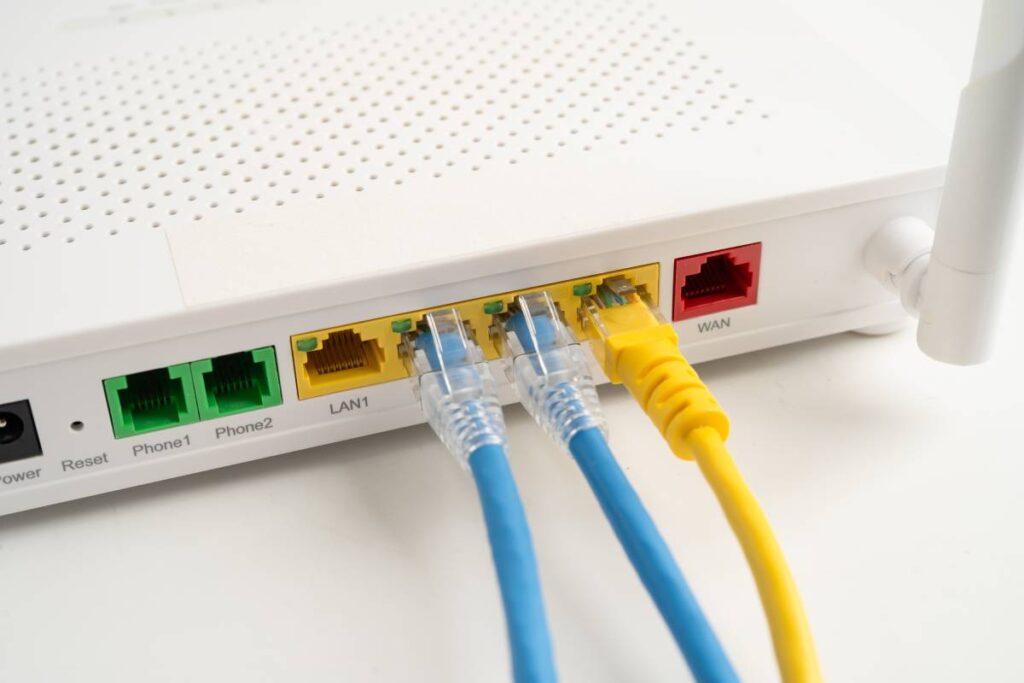
- Switches: These connect devices within a single network (like a customized power strip for data).
- Routers: These connect different networks (like linking your home network to the massive network of the Internet).
How Data Networks Actually Work
This is where the magic happens. How does an email get from your laptop in New York to a server in London?
Packet Switching: The “Digital Envelope”
Imagine you want to send a physical book to a friend, but the post office only accepts standard-sized envelopes. You would have to rip the pages out of the book, stuff them into numbered envelopes, and mail them separately.
Think of this process like the physical supply chain. Just as you might compare the nuanced roles of a freight forwarder vs. a shipping carrier to move cargo across the globe, data networks use routers and switches to manage the complex logistics of moving digital packets from origin to destination.
This is Packet Switching.
When you send a file, the network breaks it down into small chunks called packets. Each packet contains:
- The Payload: The actual data (a piece of the file).
- The Header: The sender’s IP address and the receiver’s IP address.
The Role of Protocols (TCP/IP)
If Packet Switching is the envelope, Protocols are the language written on the letter.
The most common language is TCP/IP (Transmission Control Protocol/Internet Protocol). It ensures that even if those “envelopes” arrive out of order, the receiving computer knows exactly how to reassemble them back into the original “book.”
- TCP: Checks that all packets arrived safely.
- IP: Handles the addressing and routing logic.
Types of Networks You Need to Know
Not all networks are created equal. They are usually categorized by their geographical size and purpose.
1. Local Area Network (LAN)
This is what you have in your home or a small office.
- Scope: A single building or room.
- Speed: Very high speed (typically 1Gbps or higher).
- Ownership: Usually privately owned and managed by you.
2. Wide Area Network (WAN)
A WAN connects multiple LANs over large physical distances.
- Scope: Cities, countries, or continents.
- Usage: Used by large organizations to link various branches. For example, a specialized company like Reds Industrial Power Solutions might utilize a secure WAN to connect its headquarters with remote sites. This connectivity is vital for tracking expensive assets, such as monitoring the performance and location of Caterpillar machinery or generators in real-time to prevent theft and downtime.
- Ownership: The infrastructure is usually owned by ISPs (Internet Service Providers) like AT&T or Verizon.
3. WLAN (Wireless LAN)
This is simply a LAN that uses wireless technology (Wi-Fi) instead of cables. It offers flexibility but can be less secure than wired connections if not properly encrypted.
Why Data Networks Are Critical for Business
In 2025, a robust data network isn’t a luxury; it’s a utility, just like electricity.
- Resource Sharing: Instead of buying a high-end printer for every employee, the whole office shares one via the network. This saves thousands in hardware costs.
- Centralized Data: Storing files on a central server means backups are easier, and everyone is working from the “single source of truth,” preventing version conflicts.
- Communication: VoIP (Voice over IP) phones and video conferencing run on data networks, drastically reducing long-distance phone bills.
Conclusion
Understanding what a data network is empowers you to make smarter decisions about your technology. It is not just a tangle of wires; it is a sophisticated system of Nodes, Links, and Protocols designed to move information efficiently and securely.
Whether you are setting up a simple home office (LAN) or managing a global enterprise (WAN), the principles remain the same: breaking data into packets and routing them to the right address.
Ready to upgrade your knowledge further? Don’t let the conversation stop here. If you found this guide helpful, share it with your team, or drop a comment below: What is the biggest networking challenge you face in your daily work?
FAQs
What is the difference between the Internet and a Data Network?
Think of a data network as a private road system inside a gated community. The Internet is the public highway system that connects all those communities. All internets are networks, but not all networks are the Internet.
What is a “Network Topology”?
Network Topology refers to the physical or logical layout of the devices. Common layouts include:
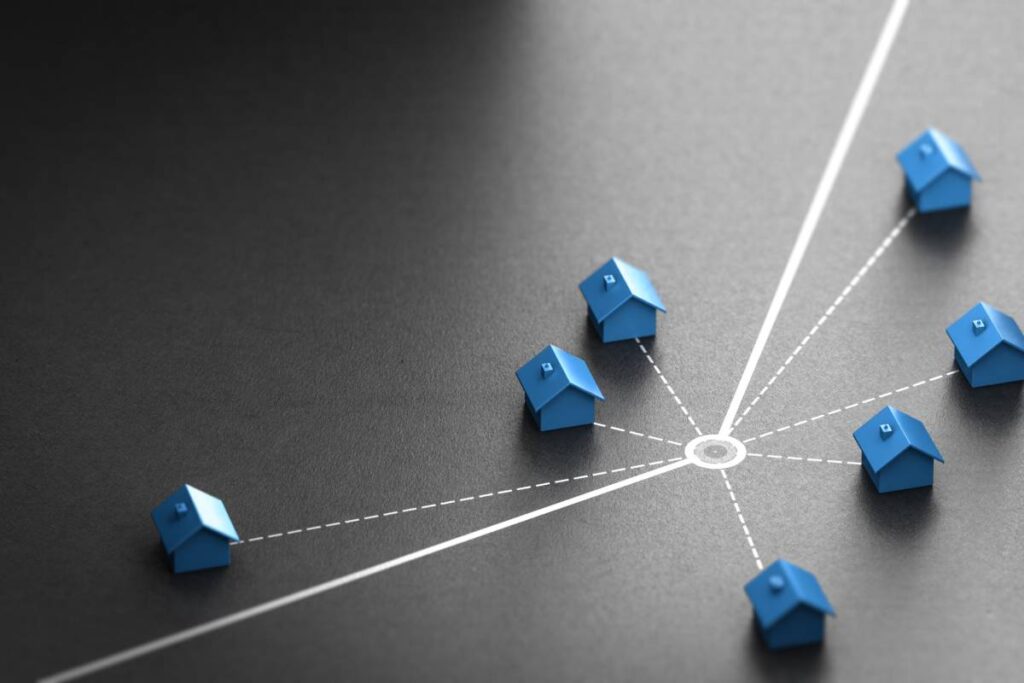
- Star: All devices connect to a central switch (most common).
- Bus: All devices connect to a single central cable.
- Mesh: Devices connect to multiple other devices for redundancy.
Why is my network slow?
Network slowness usually comes from “congestion.” This happens when too much data (like 4K video streaming) is trying to move through a connection with limited bandwidth. It can also be caused by outdated hardware (old routers) or interference on wireless channels.
Is Wi-Fi considered a data network?
Yes. Wi-Fi is a method of implementing a Local Area Network (LAN) wirelessly. It fulfills the same function as cables—transporting data packets between devices—using radio waves.


